
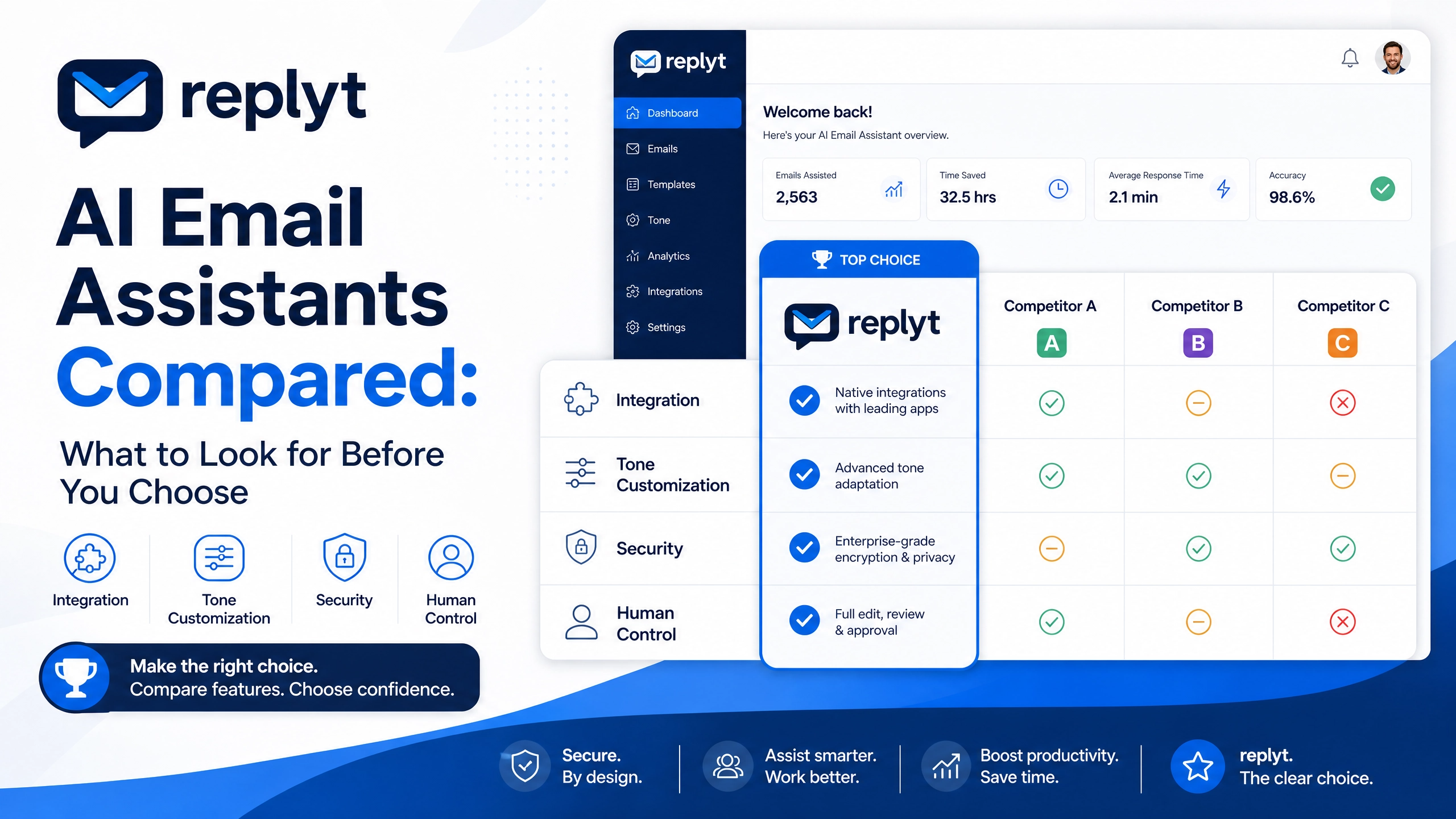
Why Every Professional May Use an AI Email Assistant by 2030
The modern professional inbox is becoming increasingly difficult to manage.
More messages arrive every day.
More businesses operate across time zones.
More clients expect faster responses.
And more of the workday is being spent sorting, reading, and drafting emails instead of focusing on high-value work.
For many professionals, email is already one of the largest sources of daily context switching.
By 2030, AI email assistants may become as common as calendars, messaging platforms, and other essential productivity tools.
The reason is simple: the volume of communication continues to grow, but human attention remains limited.
The professionals who benefit most from AI will not necessarily be those who automate everything.
They will be the ones who use AI to remove repetitive work while maintaining control over important decisions.
This is the approach behind replyt.
Rather than allowing AI to send messages without oversight, replyt focuses on an approve-first workflow.
AI can help prepare your inbox, summarize conversations, and draft responses.
You review and approve what gets sent.
What to Do First
You don't need to wait for the future to start improving your email workflow.
Begin with three simple steps.
1. Triage Unread Mail Before Writing
Before responding to every unread message, first determine what actually requires your attention.
Separate urgent conversations from routine communication, newsletters, notifications, and emails that can wait.
Prioritization should come before drafting.
2. Draft from Thread Context, Not a Blank Page
Writing every email from scratch takes time.
Before preparing a response, understand the conversation that came before it.
Review the relevant thread, identify what the recipient needs, and use the existing context to guide your response.
AI can help prepare a draft based on that context, giving you a useful starting point instead of a blank screen.
3. Approve Replies Before Anything Sends
AI should assist with communication without taking away your final decision.
Before sending an AI-generated response, review the message.
Check the facts.
Check the tone.
Make sure the response reflects what you actually want to communicate.
Then approve it—or choose not to send it.
How replyt Fits
replyt is designed for the way professionals already work.
With support for Gmail and Outlook, replyt can help transform your inbox into a more structured morning workflow.
While you are offline, AI can help prepare your inbox for the next day by organizing relevant communication and preparing draft responses where appropriate.
When you begin your morning, you can review a concise briefing that helps you understand:
What happened overnight.
Which conversations require attention.
What tasks need to be handled.
Which draft responses are ready for review.
You can then review, edit, and approve the responses you want to send.
The AI handles the preparation.
You maintain control over the final communication.
This is likely to become an increasingly important model for professional AI adoption.
The future of work may not be about letting AI do everything.
It may be about building workflows where AI handles repetitive preparation while humans remain responsible for judgment and accountability.
The Next Step Toward Smarter Email
By 2030, an AI email assistant may be a standard part of the professional toolkit.
But the most useful assistants will not simply send more emails faster.
They will help professionals understand information, prioritize attention, and communicate more efficiently, without sacrificing control.
replyt is built around that principle.
Try replyt free today, connect your Gmail or Outlook inbox, and start experiencing a smarter, more efficient email workflow.