
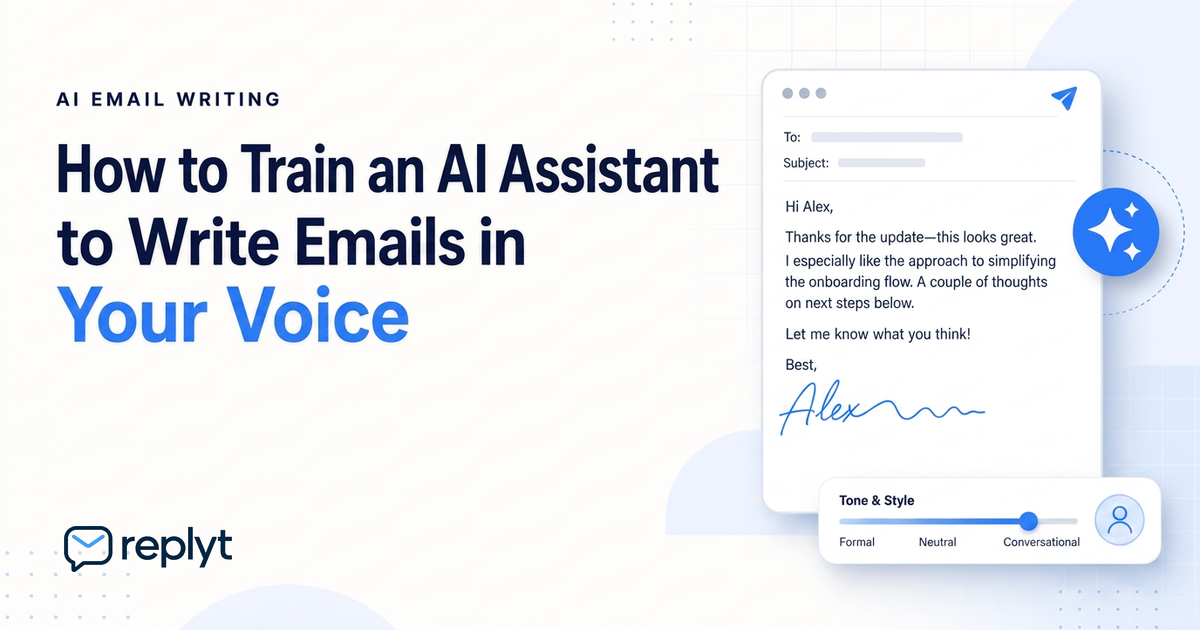
The Challenge of Generic AI Email Writing
AI can write an email in seconds.
But writing an email that actually sounds like you is much harder.
Generic AI tools often produce responses that are technically correct but feel noticeably artificial. The language can be overly formal, repetitive, or disconnected from the way you naturally communicate.
You may recognize the words, but not the voice.
That matters.
Email is not just about transferring information. The way you communicate affects how clients, colleagues, partners, and customers perceive you.
A response that sounds robotic can feel impersonal. A message that doesn't match your usual tone can create inconsistency. And when every email sounds like it was written by the same AI assistant, professional relationships can lose an important human element.
The goal of AI-assisted writing shouldn't be to replace your voice.
It should be to help you communicate more efficiently while preserving it.
Step 1: Curating Your Writing Style Data
The better an AI understands how you communicate, the more useful its drafts can become.
Gather Your Past Sent Emails
Your previous emails provide valuable insight into how you naturally write.
Look for patterns in your communication:
How long are your typical responses?
Do you prefer short, direct sentences?
Do you use greetings and sign-offs consistently?
How formal or casual is your language?
How do you structure requests and explanations?
Your past communication can help create a clearer picture of your authentic writing style.
Identify Your Preferred Tone and Cadence
Your writing style is more than just the words you use.
It also includes your tone and cadence.
Maybe you prefer concise and professional responses. Maybe you write in a warmer, more conversational style. Perhaps you are direct when making requests but more detailed when explaining complex topics.
These patterns help define your communication style.
Create a Style Guide for Your AI
A simple style guide can make AI-generated drafts more consistent.
It might include preferences such as:
Keep responses concise.
Use a friendly but professional tone.
Avoid unnecessary corporate language.
Get to the point quickly.
Use clear, natural language.
Match the formality of the person you're responding to.
The more specific your preferences are, the easier it becomes to create drafts that feel natural.
Step 2: Implementing an Approve-First Workflow
Even the best AI-generated draft should not automatically replace human judgment.
Communication requires context.
A message that looks simple may involve a sensitive client relationship, an important negotiation, or a decision that requires careful consideration.
That's why an approve-first workflow is so important.
Instead of allowing AI to send messages automatically, the AI prepares a draft for your review.
You decide whether the response is ready.
You can approve it, edit it, rewrite part of it, or choose not to send it at all.
This creates a balance between efficiency and control.
AI handles the repetitive work.
You maintain ownership of the final communication.
For businesses, this also helps maintain consistency across customer and client interactions without removing human oversight from the process.
How replyt Learns Your Voice
replyt is designed to become part of your daily email workflow.
Rather than asking you to create every response from scratch, replyt helps prepare drafts that you can review during your morning inbox routine.
As you review and edit drafts, those changes can help inform how you want your communication to sound.
Over time, the workflow becomes more personalized.
You can refine your preferences, adjust your writing style, and make edits whenever a draft doesn't sound quite right.
The goal is not to make every email sound like an AI-generated response.
The goal is to make the process of writing email faster while keeping the communication authentically yours.
Start Saving Time Today
Your inbox contains enough repetitive work without forcing you to rewrite the same types of responses every day.
With the right AI-assisted workflow, you can reduce the time spent drafting emails without sacrificing your voice.
replyt helps you start with a clearer inbox, review AI-assisted drafts, and maintain control over every message you send.
Sign up for replyt today and streamline your inbox without losing the personal voice that makes your communication yours.