
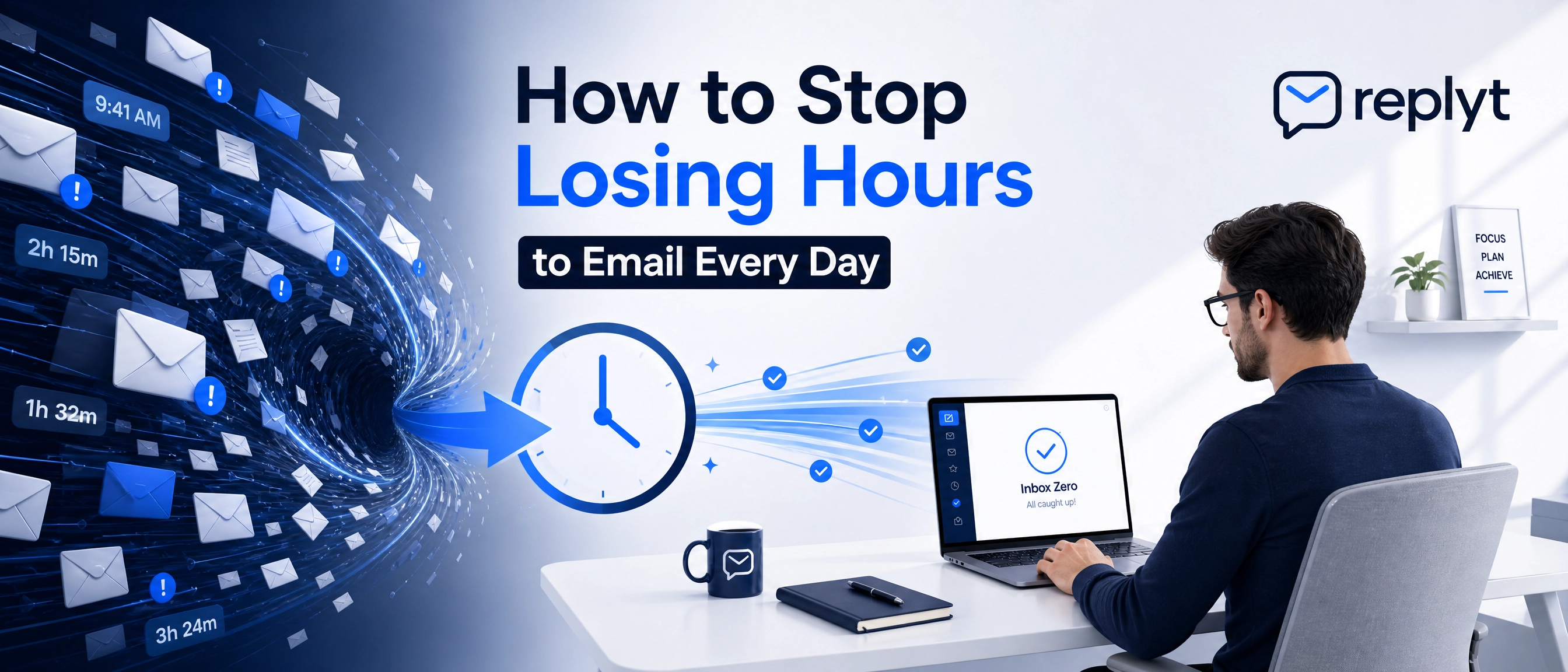
The Hidden Cost of Email Overload
Email is supposed to make communication easier.
But for many professionals, the inbox has become a constant source of distraction.
You check one message, respond to another, and suddenly find yourself switching between email, documents, calendars, and other tools just to answer a simple question.
Then a new notification appears.
You check it.
The cycle starts again.
This constant switching may seem harmless, but it comes with a real productivity cost. Every interruption pulls your attention away from the task in front of you. By the time you return to your original work, you have to spend additional mental energy remembering where you left off.
Over the course of a day, these small interruptions can become hours of lost focus.
The problem isn't simply having too many emails.
It's being forced to constantly decide what to read, what to ignore, what to prioritize, and what to write next.
3 Steps to Reclaim Your Morning
A better email workflow doesn't require you to answer every message immediately.
It requires a system that protects your attention.
1. Implement the Touch-It-Once Rule
Whenever you open an email, try to make a decision about it.
Respond to it, delegate it, schedule time to handle it, or archive it.
Avoid repeatedly opening the same email without taking action. Every time you revisit a message, you spend more mental energy processing the same information.
The goal is to reduce the number of times an email demands your attention.
2. Batch Process Your Responses
Constantly checking your inbox throughout the day creates a fragmented workflow.
Instead, set aside dedicated time blocks for processing email.
During these periods, focus exclusively on reviewing messages and responding to conversations. Once the block is over, return to your important work without constantly monitoring your inbox.
This simple change can help protect your focus and reduce unnecessary context switching.
3. Use AI to Draft and Prioritize Communications
Not every email requires the same level of attention.
AI-powered tools can help identify important conversations, summarize messages, and prepare draft responses to routine requests.
Instead of spending your time starting every response from scratch, you can focus on reviewing and approving communication that has already been prepared.
The goal isn't to remove humans from the communication process.
It's to remove the repetitive work that gets in the way of more important work.
How replyt Streamlines Your Inbox
replyt is designed to help you start your day with a clearer, more manageable inbox.
By integrating with platforms such as Gmail and Outlook, replyt can help summarize your email activity, surface important conversations, and identify tasks that require your attention.
It can also generate high-quality draft responses to help you move through routine communication faster.
The key difference is the approve-first approach.
replyt doesn't take control of your inbox and send messages without your approval.
Instead, AI does the preparation. You make the final decision.
You can review a draft, edit it to match your voice, approve it, or simply ignore it.
This gives you the efficiency of AI while keeping you in complete control of your communication.
Start Your Day with Clarity
Your morning shouldn't begin with an endless list of unread emails.
It should begin with a clear understanding of what matters.
A morning inbox briefing can help you quickly see the conversations that need your attention, the tasks that are waiting for you, and the responses that are already prepared for review.
Instead of spending the first hours of your day trying to understand your inbox, you can start with a clear overview and focus your energy where it matters most.
Start your day with clarity. Sign up for replyt today and transform the way you manage your inbox.