
The Hidden Cost of Inbox Overload
Your inbox is more than a list of messages.
For many professionals, it has become a constant source of mental friction.
Every email requires a decision. Should you open it now? Is it important? Does it require a response? Should you save it for later?
When your inbox contains dozens or hundreds of messages, manually answering these questions can quickly become exhausting.
The result is email fatigue.
You spend valuable mental energy sorting, scanning, and organizing messages instead of focusing on work that requires your full attention.
There is also another risk: important messages can get lost.
A critical client request, time-sensitive opportunity, or urgent task can easily disappear beneath newsletters, routine updates, and low-priority conversations.
The more crowded your inbox becomes, the harder it is to know what truly deserves your attention.
How AI Email Triage Actually Works
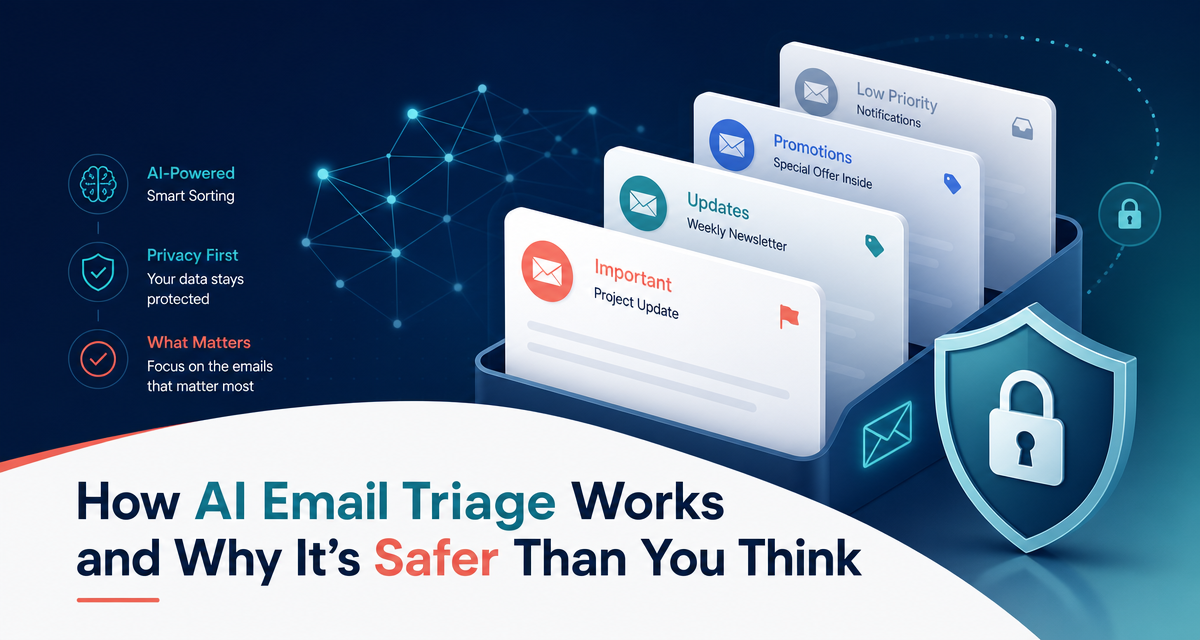
AI-powered email triage is designed to help solve this problem by analyzing communication and organizing it according to relevance and context.
Natural Language Processing for Intent Detection
AI can analyze the language and context of an email to help understand what the sender is trying to accomplish.
Is the message asking a question? Requesting an action? Sharing information? Following up on an earlier conversation?
By identifying the likely intent behind a message, an AI assistant can help separate important conversations from routine communication.
This makes it easier to understand what needs your attention first.
Contextual Drafting Based on Communication History
A useful email response requires more than simply identifying keywords.
Context matters.
AI can use the available conversation context to help prepare a more relevant draft response. Instead of generating a generic answer, the goal is to create a response that reflects the topic and the conversation taking place.
With the right preferences and configuration, AI-generated drafts can also be aligned with your preferred communication style.
Secure Data Processing and Privacy
Email contains sensitive information, which makes security essential.
Any AI-powered email workflow should be designed with privacy and security in mind.
This means using secure authentication methods, encrypted data transmission, appropriate access controls, and responsible data handling practices.
The exact security features available depend on how the system is built and configured, but privacy should always be a core consideration when connecting an AI assistant to your inbox.
Why AI Triage Is Safer Than You Think
The idea of giving AI access to your inbox can initially feel uncomfortable.
What if it sends the wrong message? What if it misunderstands a conversation? What if you lose control of your communication?
This is exactly why the workflow matters.
Encryption and Secure Connections
Secure connections help protect data as it moves between systems.
OAuth-based authentication can also allow users to authorize access without directly sharing their email account password with the application.
Security should be built into every stage of the integration, from authentication to data processing.
Local or Controlled Processing
Depending on the architecture of the AI system, processing can be designed to limit unnecessary data exposure and reduce how much information is retained.
The important principle is simple: your email data should be handled responsibly and only accessed according to the permissions and functionality required by the service.
The Approve-First Model
The most important safeguard is human oversight.
replyt is designed around an approve-first workflow.
AI can help analyze your inbox, summarize conversations, and prepare draft responses.
But it does not make the final decision for you.
You review the draft.
You can edit it.
You can approve it.
Or you can choose not to send it at all.
AI handles the repetitive preparation while you remain in control of your communication.
Streamlining Your Morning with replyt
The goal of replyt is not to make you spend more time inside your inbox.
It is to help you spend less.
Instead of opening your email each morning and manually sorting through every message, you can start with a clearer briefing of what deserves your attention.
Your morning workflow can become:
Review your inbox briefing.
Identify the most important conversations.
Review prepared draft responses.
Approve, edit, or dismiss drafts.
Focus on the work that matters most.
This approach helps reduce the anxiety of not knowing what you might be missing.
Rather than constantly monitoring your inbox throughout the day, you can begin with a more organized understanding of your communication.
Take Control of Your Inbox Today
Email overload shouldn't determine how your day begins.
You shouldn't have to spend your most productive hours manually sorting messages, searching for context, and drafting repetitive responses.
With an AI-assisted workflow, you can start your morning with more clarity and less inbox anxiety.
Start your free trial of replyt today and experience a more secure, efficient, AI-powered approach to email management.