
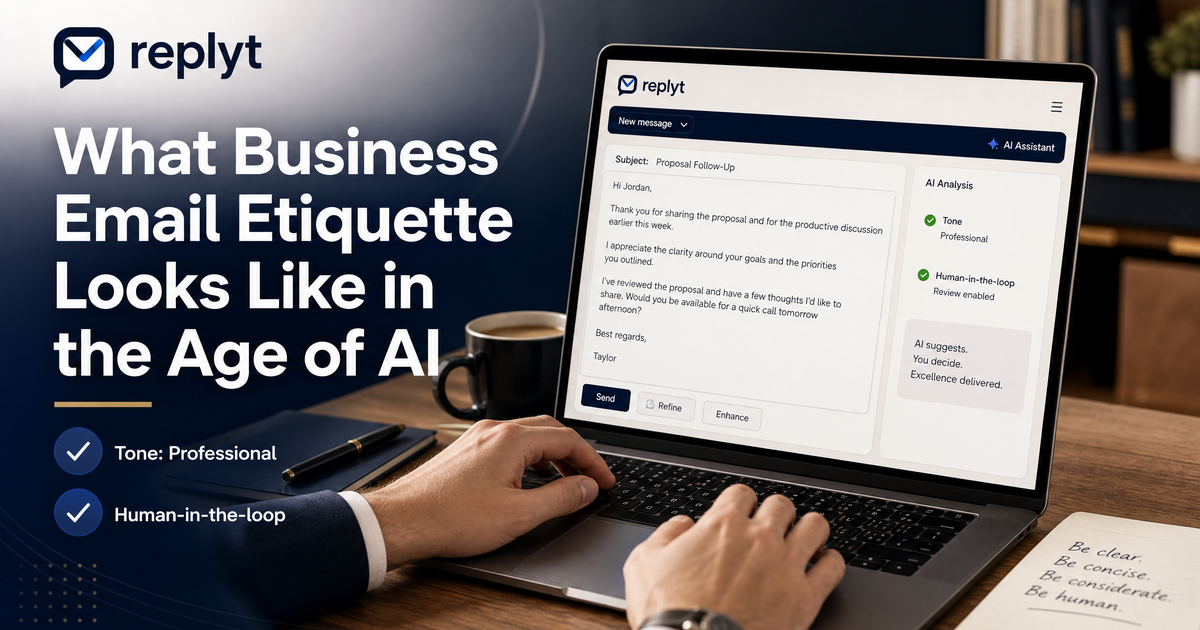
The Evolution of Professional Communication
Professional communication has changed dramatically.
Email once meant writing a few carefully considered messages each day.
Today, professionals may manage dozens or even hundreds of conversations across clients, colleagues, partners, and teams.
At the same time, expectations have changed.
People expect faster responses.
Businesses operate across time zones.
Clients want quick updates.
Teams need constant coordination.
The result is a growing pressure to communicate more frequently and more quickly.
AI is helping professionals meet these expectations.
But using AI effectively requires more than simply generating as many emails as possible.
The best results come from using AI to increase efficiency while preserving the judgment, context, and authenticity that make professional communication effective.
The Golden Rules of AI-Assisted Emailing
Maintain Your Unique Voice and Tone
Your writing style is part of your professional identity.
An AI-generated response should not make every email sound identical.
Whether your communication style is concise and direct, warm and conversational, or highly formal, AI should support your voice rather than replace it.
Always ensure that the final message sounds like something you would actually say.
Always Review and Edit AI-Generated Drafts
AI can save time, but it is not infallible.
A draft may contain an incorrect detail, misunderstand the context of a conversation, or use a tone that does not fit the situation.
Before sending an AI-assisted response, review the important details.
Check the facts.
Check the tone.
Check that the message actually communicates what you intend.
A few seconds of review can prevent a much larger communication problem.
Prioritize Clarity and Brevity
Professional emails do not need to be complicated to be effective.
The best messages are often clear, concise, and easy to act on.
Use AI to simplify complex ideas, remove unnecessary wording, and organize your thoughts.
Avoid using AI to make simple messages unnecessarily long or overly formal.
The goal is better communication not more communication.
Use AI for Routine Scheduling and Follow-Ups
Some communication tasks are repetitive by nature.
Scheduling meetings.
Confirming appointments.
Following up on unanswered messages.
Sending routine updates.
These are areas where AI can provide significant value.
By reducing the time spent on repetitive communication, you can dedicate more attention to conversations that require your personal judgment.
Integrating AI into Your Morning Workflow
The way you begin your day can have a significant impact on your productivity.
Starting by manually sorting through a cluttered inbox can immediately put you into a reactive mindset.
A structured morning workflow creates a better alternative.
A morning inbox briefing can help you quickly understand:
What happened while you were away.
Which conversations require attention.
What tasks need action.
Which messages may require a response.
Where AI-assisted drafts can save time.
Instead of beginning with an unorganized list of unread messages, you begin with a clearer picture of your communication priorities.
You can then review the most important messages, approve or edit AI-assisted drafts, and move on to focused work.
Maintaining Authenticity at Scale
AI should be a productivity multiplier, not a replacement for genuine professional relationships.
The purpose of AI-assisted communication is not to make every interaction feel automated.
It is to reduce the repetitive work that prevents you from giving important conversations the attention they deserve.
A useful approach is to let AI handle the preparation:
Summarizing long threads.
Organizing priorities.
Preparing routine drafts.
Identifying follow-ups.
You remain responsible for the communication that matters most.
This balance allows you to communicate more efficiently without sacrificing empathy, judgment, or authenticity.
Streamline Your Inbox Today
Modern professionals are expected to communicate faster than ever.
But faster communication does not have to mean lower-quality communication.
With the right workflow, AI can help you manage more information, reduce repetitive tasks, and protect your time, while you remain in control of your professional voice.
replyt helps bring this approach into your daily routine with a structured morning inbox briefing and an approve-first AI workflow.
AI helps prepare the work.
You make the final decision.
Start using replyt today to streamline your inbox, improve your email workflow, and reclaim more time for the work that matters.